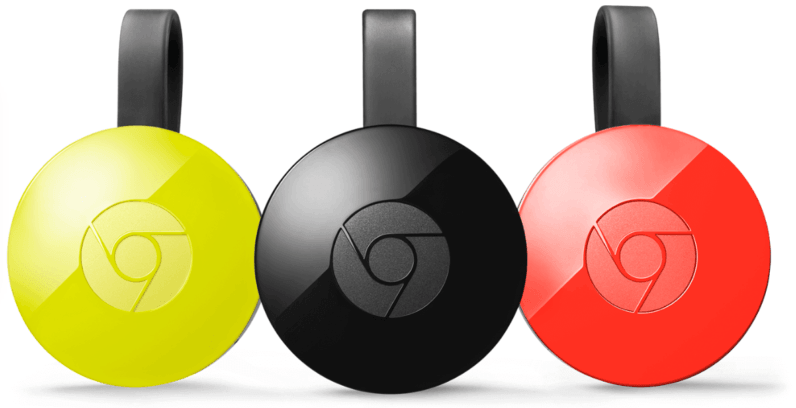
Earlier today, Google launched a new opt-in Preview Program for all Chromecast and Chromecast Audio models that will allow users to test out new firmware versions before they’re released to the public.
Joining the Preview Program couldn’t be easier. All you have to do is open up the Google Cast application on your smartphone or tablet, tap the overflow menu button next to the name of the Chromecast you want to enroll, hit Device settings, select Preview Program and press Join Program.
Want early access to new #Chromecast updates? Check out the #GoogleCast Preview program: https://t.co/CtSMprPRZ1 pic.twitter.com/CZPv42WB1l
— Google Cast (@googlecast) September 13, 2016
New York, meet the world’s tech scene
5,000 Tech leaders are coming to NYC this November to learn and do business. This is your chance to join them.
Once registered, you will automatically receive all future Preview Program updates on your Chromecast. If, for whatever reason, you no longer wish to participate in the scheme, simply follow the steps above to access the correct menu, then tap the button at the bottom of the page entitled Leave Program.
It’s worth noting that there aren’t any new features to test at this precise moment in time. However, now that the program’s live, it’s more than likely that you’ll have the opportunity to play around with something fun pretty soon.
Chromecast Preview Programme overview on Google Support
: